IP Lookup
Find IP location, ASN/ISP, and reverse DNS (PTR) details.
Not available yet
Free web tools
Inspect domain records, check DNS changes and understand your configuration.
Find the tool that matches your task.
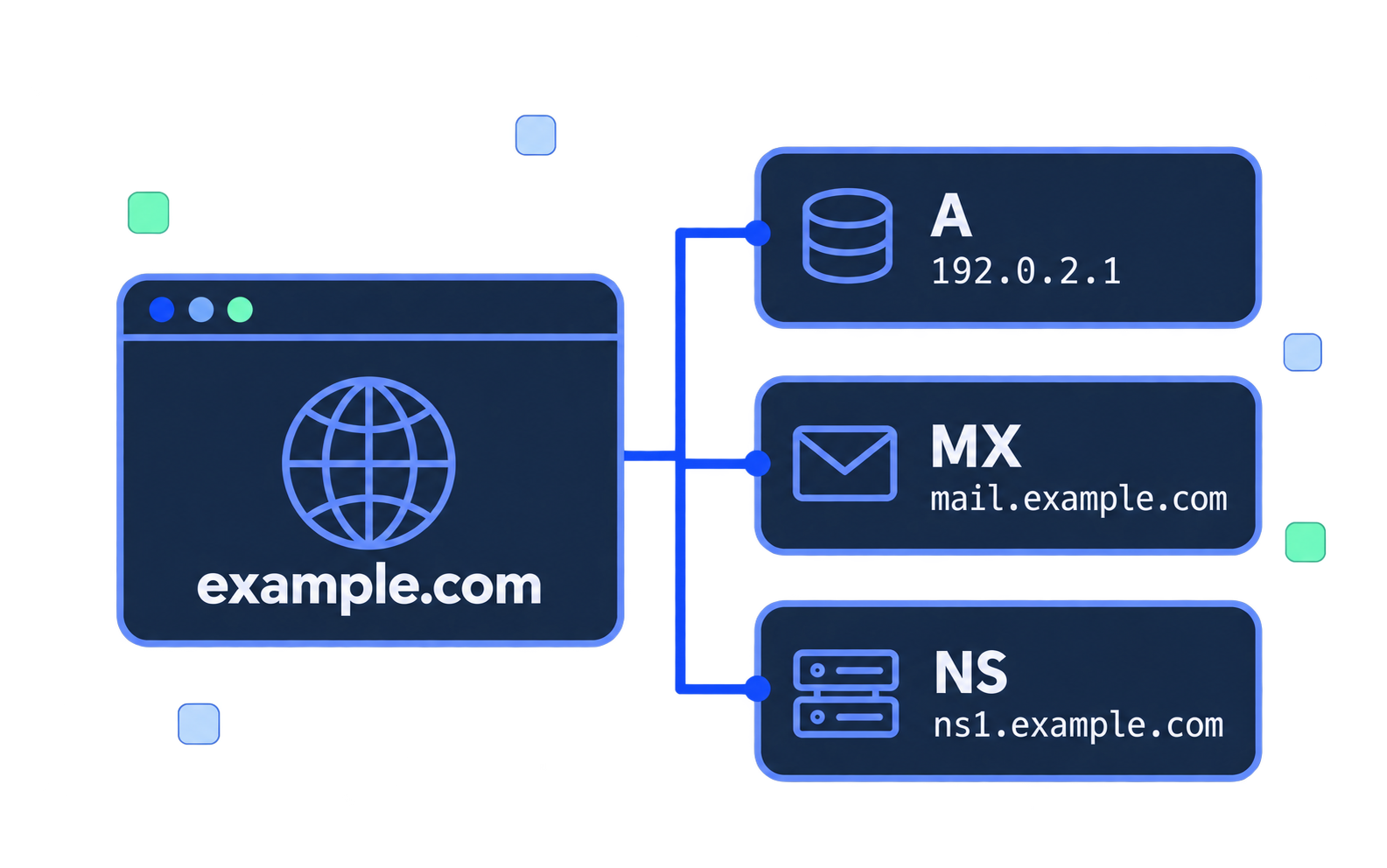
Query DNS records (A, AAAA, MX, TXT, CNAME, NS) for any domain.
Open toolCheck DNS configuration health and verify essential records.
Open toolCompare DNS answers from multiple public resolvers.
Open toolLook up domain registration information and WHOIS records.
Open toolCheck PTR records and compare them with forward DNS.
Open toolFind IP location, ASN/ISP, and reverse DNS (PTR) details.
Not available yet
Find a tool based on what you want to do.
Look up A, AAAA, MX, TXT, CNAME or NS records for your domain.
DNS LookupSee how your changes are propagating across different DNS resolvers.
DNS Propagation CheckerCheck for common DNS problems and misconfigurations.
DNS Health CheckLearn the basics
Use these tools to inspect records and compare answers before making changes.
Browse all toolsOnline utilities that query and display DNS records for a domain or IP. They can show A, AAAA, MX, TXT, CNAME and NS records, compare resolver answers, check a PTR record, review common configuration issues, and look up public WHOIS details.
Check when you point a domain, change nameservers, migrate a site or mailbox, troubleshoot email records, see a connection error, confirm a change has spread, or verify reverse DNS for a mail server.
Usually a few minutes to 24–48 hours, sometimes up to 72 hours. It depends on TTL and how quickly caches expire. A lower TTL before a change can make the update show up sooner.
Reverse DNS maps an IP to a hostname with a PTR record. Forward-confirmed reverse DNS means that hostname resolves back to the same IP. Reverse DNS Lookup shows the PTR and the forward check.
An A record points a name to an IPv4 address. An AAAA record does the same for IPv6.
Common causes are nameservers that have not updated, a missing A or AAAA record, a delay while caches expire, or a resolver that cannot reach the zone. DNS Lookup and DNS Propagation Checker show what resolvers return.
TTL is how many seconds a resolver may cache the answer. A lower TTL updates sooner. A higher TTL reduces query load and keeps the old answer longer.
They are stored in TXT records. DNS Lookup can show TXT, including _dmarc. SPF Checker and DMARC Checker read those records directly.
Talk to our team about your domain or hosting configuration.